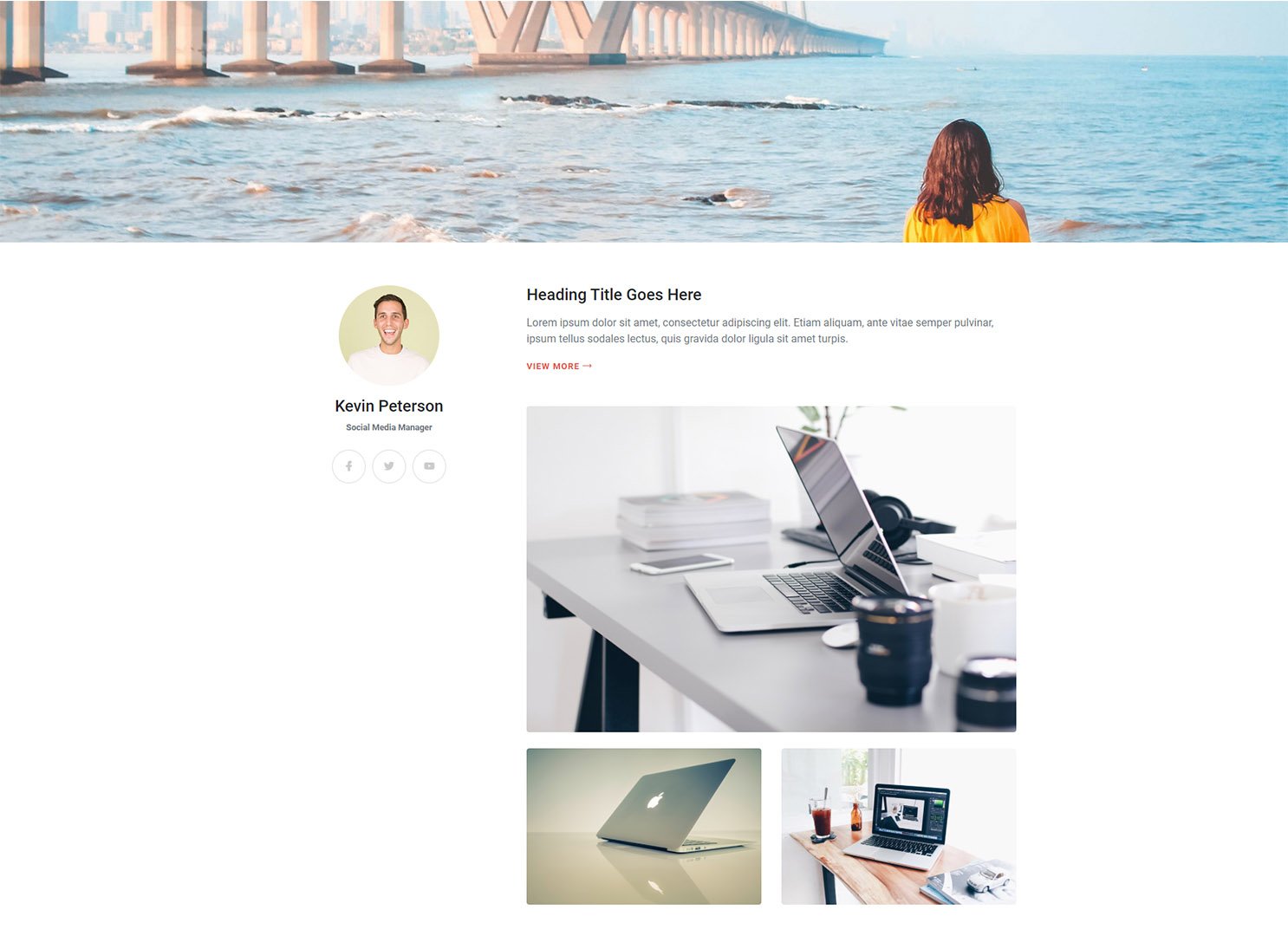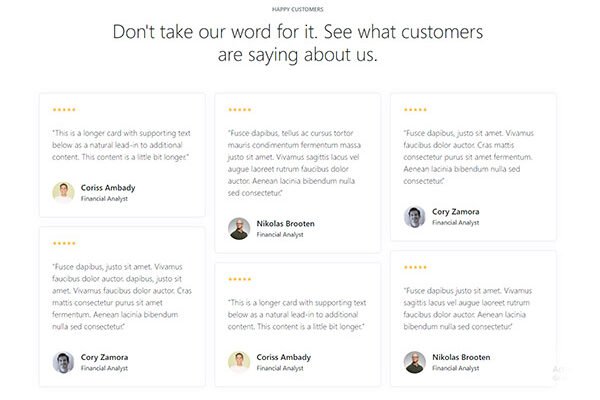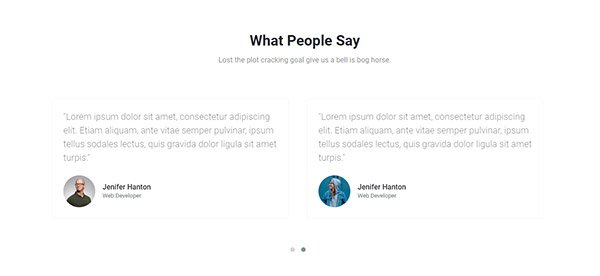
Bootstrap content section snipp example four bootstrap snipp made with bootstrap framework, you can use this in middle of your webpage, simple div structure easy to implement.
<!doctype html>
<html lang="en">
<head>
<!-- Required meta tags -->
<meta charset="utf-8">
<meta name="viewport" content="width=device-width, initial-scale=1, shrink-to-fit=no">

<!-- Bootstrap CSS -->
<link rel="stylesheet" href="https://stackpath.bootstrapcdn.com/bootstrap/4.5.0/css/bootstrap.min.css">
<link href="https://cdn.lineicons.com/2.0/LineIcons.css" rel="stylesheet">
<title>Page content area</title>
</head>

<body>
<style>
@import url('https://fonts.googleapis.com/css2?family=Roboto:wght@300;400;500;700&display=swap');
body {
    font-family: 'Roboto', sans-serif;
}
.profile-banner-image{
  width: 100%;
  height: 360px;
  background-image: url('img/intro-seventeen-header-image.jpg');
  background-repeat: no-repeat;
  background-position:center;
  background-size:cover;
}
.icon-circle {
    background-color: #fff;
    transition: all 0.3s ease;
    width: 50px;
    margin: 0 5px;
    height: 50px;
    border-radius: 50px;
    font-size: 15px;
    border: 1px solid #ddd;
    cursor: pointer;
}
.icon-circle:hover {
    box-shadow: 0px 0px 5px 8px rgba(0,0,0,0.05);
}
.icon-circle:hover i {
    color: rgba(0,0,0,0.9);
}
.icon-circle a i {
    color: #ccc;
}
.btn-link {
    color: #e34c43;
    transition: all 0.3s ease;
    font-weight: bold;
    font-size: 13px;
    letter-spacing: 1px;
    text-transform: uppercase;
}
.btn-link:hover {
    color: #db3447;
    opacity: 0.5;
    text-decoration: none;
}
.profile-circel-image img {
    width: 150px;
    height: 150px;
    border-radius: 150px;
}
</style>
<div class="profile-banner-image"> </div>
<div class="container py-5">
  <div class="row pt-3 text-left">
    <div class="col-lg-4 text-center">
      <div class="profile-circel-image"> <img src="img/3.jpg"> </div>
      <h4 class="pt-3">Kevin Peterson</h4>
      <p class="text-secondary small font-weight-bold">Social Media Manager</p>
      <div class="d-flex justify-content-center mt-4">
        <div class="icon-circle d-flex align-items-center justify-content-center"> <a href="#"><i class="lni lni-facebook-filled"></i></a> </div>
        <div class="icon-circle d-flex align-items-center justify-content-center"> <a href="#"><i class="lni lni-twitter-filled"></i></a> </div>
        <div class="icon-circle d-flex align-items-center justify-content-center"> <a href="#"><i class="lni lni-youtube"></i></a> </div>
      </div>
    </div>
    <div class="col-lg-8 mt-5 mt-lg-0">
      <div class="mb-5">
        <h4 class="mb-3">Heading Title Goes Here</h4>
        <p class="text-muted mb-3">Lorem ipsum dolor sit amet, consectetur adipiscing elit. Etiam aliquam, ante vitae semper pulvinar, ipsum tellus sodales lectus, quis gravida dolor ligula sit amet turpis. </p>
        <a href="" class="btn-link">VIEW MORE <i class="lni lni-arrow-right"></i></a> </div>
      <div class="row">
        <div class="col-12"> <img src="img/laptop-1.jpg"  class="img-fluid rounded"> </div>
        <div class="col-6 mt-4"> <img src="img/laptop-2.jpg"  class="img-fluid rounded"> </div>
        <div class="col-6 mt-4"> <img src="img/laptop-3.jpg"  class="img-fluid rounded"> </div>
      </div>
    </div>
  </div>
</div>
</body>
</html>